GearForge

Design SVG gears in your browser.

Explore gear layouts in GearForge Studio, preview their motion and download the SVG. Ready-made decorative gear files are on Etsy.

Open the browser designer (opens in a new tab)Free browser tool. Opens in a new tab. No sign-in needed.
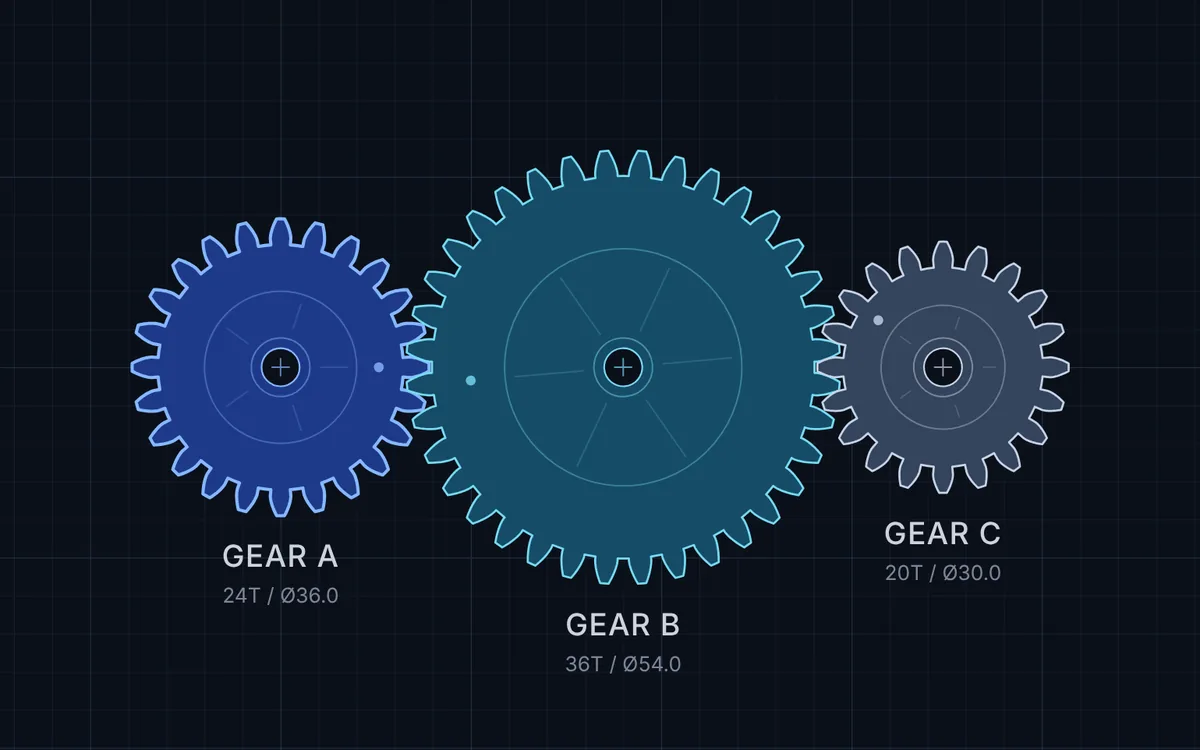
Three meshing gears labelled A, B and C in the GearForge Studio designer.
GearForge Studio, with its three-gear starting set

Three steps in GearForge Studio.

This GearForge Studio is a gear designer that runs in your browser.

  1. Choose gears

    Choose among the available gear layouts.

  2. Preview motion

    Press play and watch the gears turn together.

  3. Download SVG

    Save your gear layout as an SVG, then open the file in your vector or laser software.

Use the motion preview to explore a layout before planning a physical build. It does not verify physical fit or strength. Check dimensions and test your material before making an assembly.

Ready-made gear files

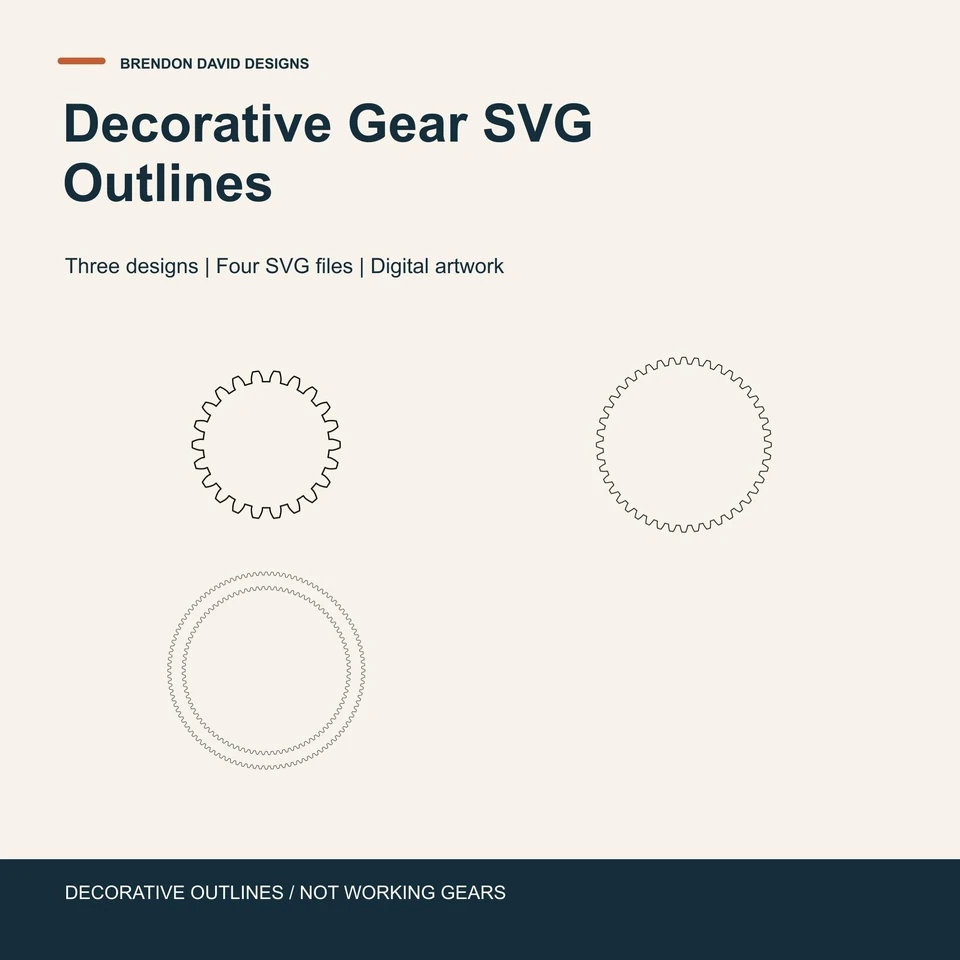
Actual Gear SVG Bundle listing artwork showing the three included decorative cog outlines

Gear SVG Bundle

Three decorative designs in four SVG files: one file per design, plus a combined layout. These are decorative outlines, not working gears or an assembly kit.

See compatibility details and the current price on Etsy.

View the bundle on Etsy (opens in a new tab)

In development

GearForge Studio in Glide is not yet available.

Kinetic coaster

A coaster with finger-operated gears. In development for a future release.

GearForge Live Engrave

An app to lay out lettering or a picture on your blank, then save the file for your engraving software.

Get notified when they are ready.

Choose the updates you want. We will email you when there is news.

Email me about

Your email and selected interest are sent to Brendon David Designs for GearForge updates.